An exploration of multi-input interaction with AI Interfaces, Nov 2025 - Mar 2026
For the first time, I encountered a technology that can almost understand me like other humans do: grasp context, interpret meaning, respond to nuance. Yet we're still typing into little input boxes, very revolutionary for 2026. I can't help but wonder if its the interface that's holding us back. If the AI is human enough to understand us, maybe the interface should let us be a little more human too.
Human communication is wonderfully chaotic if you think about it... we point at things mid-sentence, we gesture vaguely and expect people to understand. Nobody talks like a search query: "Please reference the third blue object from the right".
Point + Talk explores how to interact with AI interfaces using natural human behaviors, and whether the responses we get back can feel just as alive.
:)
“ Point ” for spatial references
Pointing shows exactly what and where without tedious descriptions, they are direct, immediate, and universal. Here are a few gestures I find myself doing when talking face to face with friends, and how they translate into 2D space.
Path
Trace direction, route, or connection
Circle
Select items or define a region
Scale
Show size or dimensions
Before adding voice, here is what pointing alone can do. Take “Circle” and “Scale” as example. You can circle a specific part of the sentence and controls the expansion with a pinching gesture. Something would be quite cumbersome to do with keyboard.
“ Talk ” for nuanced ideas
Voice handles intent and nuance beautifully. You can express complex ideas, vague preferences, even uncertainty. Plus, you talk 4x faster than typing :0



40 wpm, think and delete
Point + Talk Prototypes
Gesture handles "what", "where", voice handles "why", "how". Together they're surprisingly effective at communicating complex ideas with little friction.
These prototypes explore what becomes possible when you can point and talk to a more fluid system. Built three levels: how a single interaction changes, how existing software could work differently, and what an OS that understood gesture+voice might feel like.
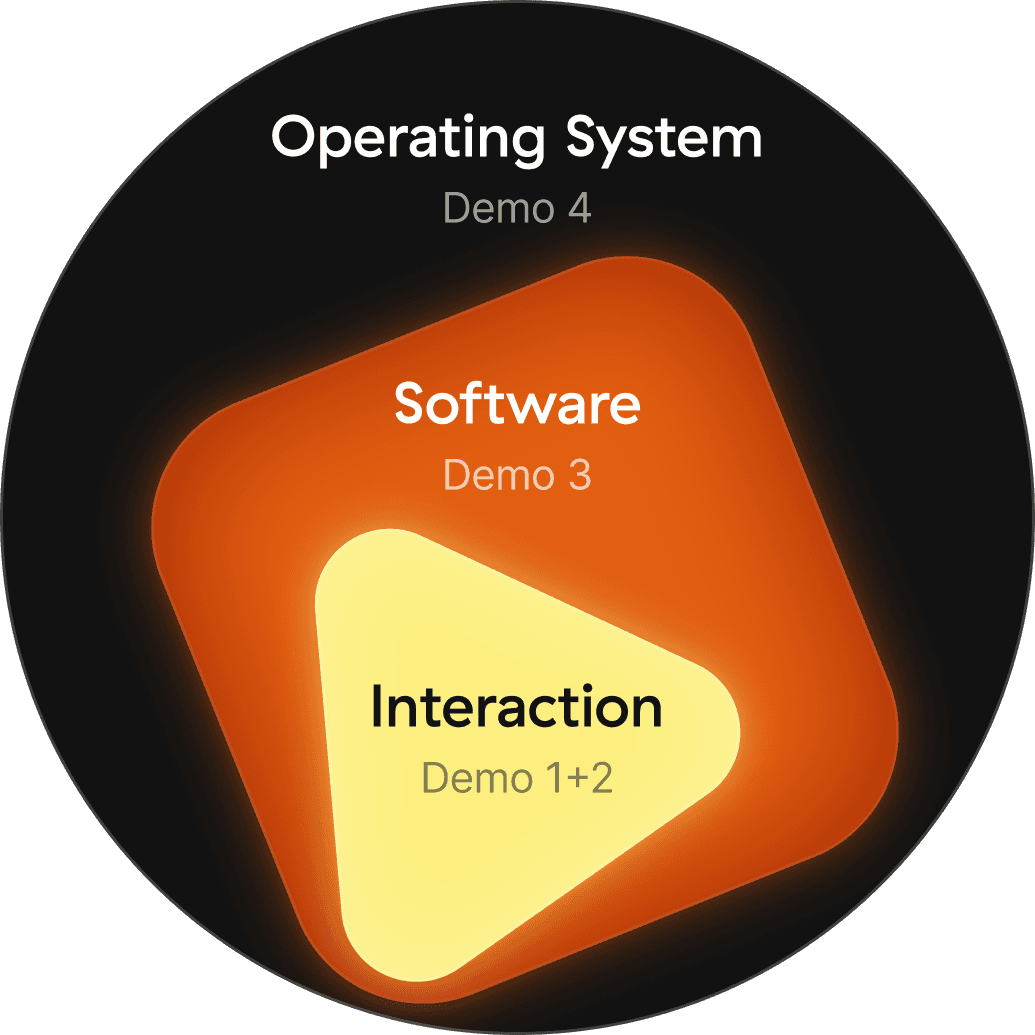
Interaction
Level

Demo 1
Text, swipe through options
Demo 2
Image, edit by pointing
Software
Level
Demo 3
Circle to research
Operating System
Demo 4
Connect anything, across any app
Selections show intention
Most interactions start with a selection. Some things have natural boundaries, others don't. The way you select something adapts to what it is. Selecting text is forgiving. But images, the circle you draw defines the area, so precision matters more.
Image - percise selection
Selection can be beyond a single item. A path connecting two elements is also a selection of a relationship
Listening state
The listening state follows the shape of what you selected. It's there to tell you what the system is paying attention to.
Generation
The output generation should be decided by the input. The system reads what you drew, what you said, and what you drew it on, and picks the right form. That's what makes it feel alive rather than mechanical.
Context modifying
Sugguested UI 2
Sugguested UI
Context modifying 2
Small Thoughts
A lot of people are thinking about what the next interaction would be like. These are just my version of that curiosity. Probably far from what it will actually be, but that's not really the point. Creating something you've only imagined is a different kind of understanding. You see the flaws up close, but you also see what's possible in a way you couldn't before, and I hope these explorations spark something for you too ;)
But all in all, these are concepts I'd love to actually use someday.
Behind the Scene
Just me and cursor chilling…
Auto Add Caption Tool
3D Viewer + Painting Tool
Video that did not make it to the prototypes, but I really want this: Point where u hurt
3D Viewer + Painting Tool
Also if anyone is curios, prototypes are made with After Effects + Origami
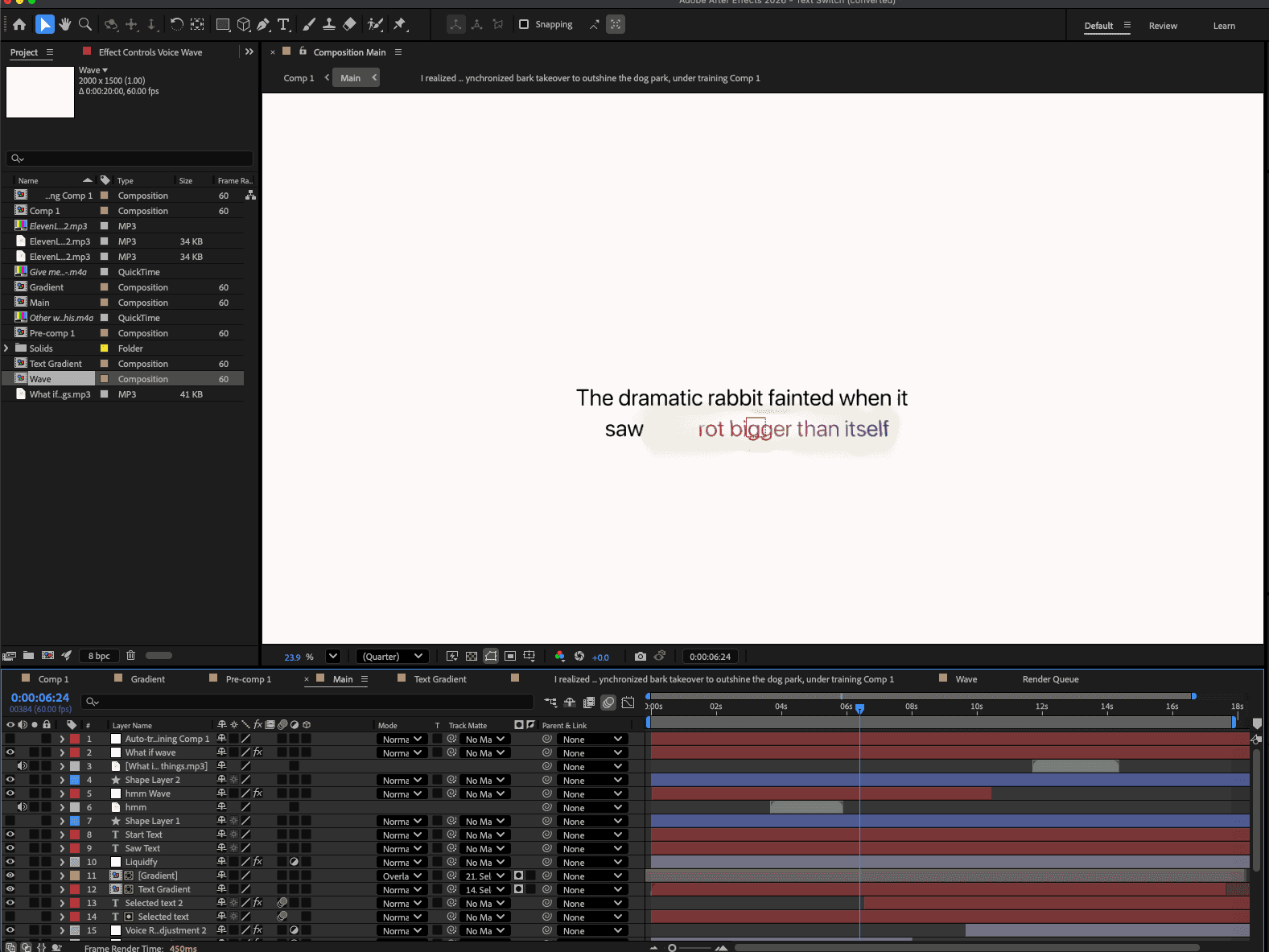
AE for detailed motion
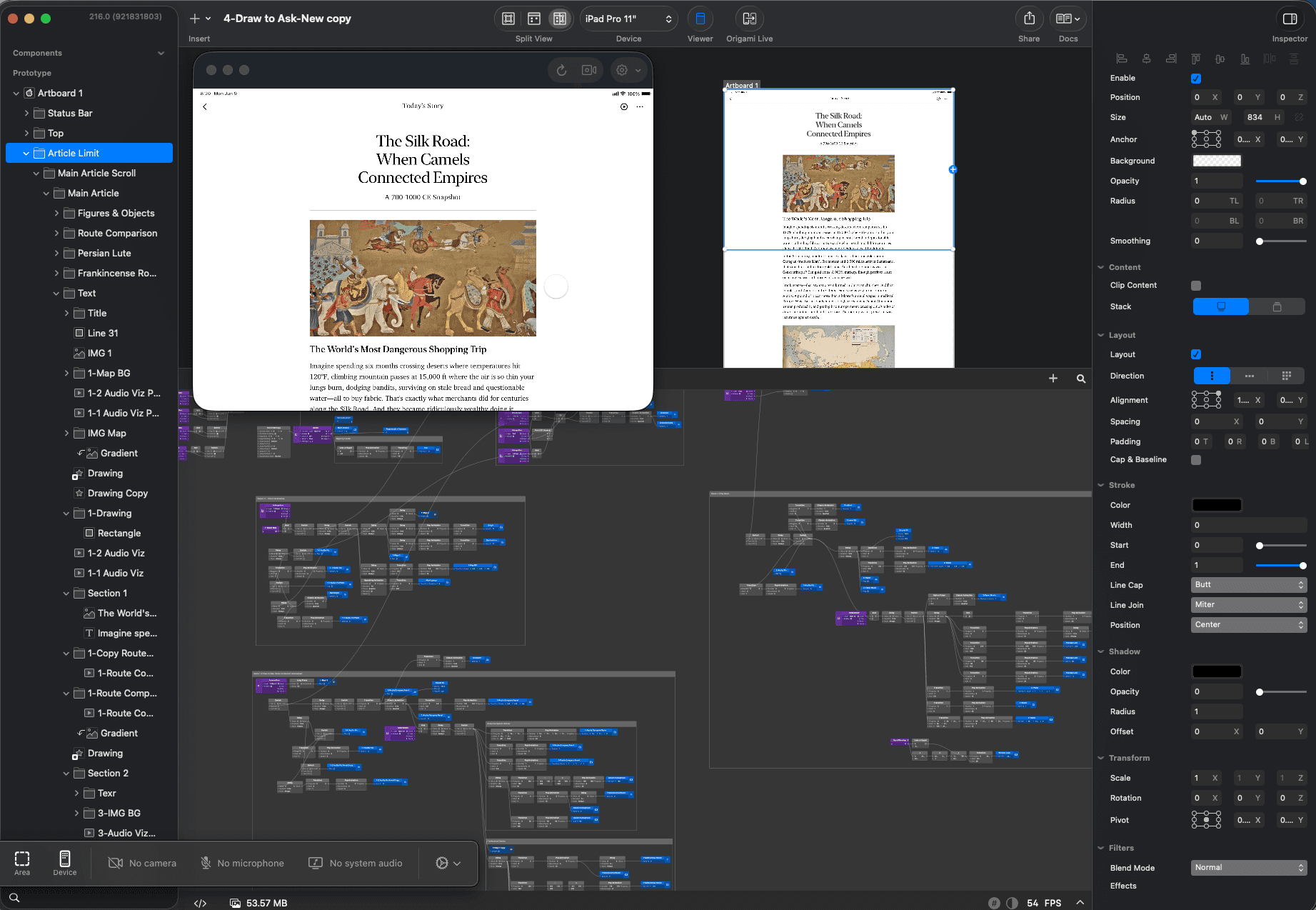
Origami for interaction
Finally, really thankful for all my friends (including my beloved Claude) 🙏
for the hot takes and immense support ;p